
AirBeats
Experience sound like never before. Immerse yourself in crystal-clear audio, personalized playlists, and intuitive controls designed for true music lovers.
Android 8.0+ · Secure APK
Experience sound like never before. Immerse yourself in crystal-clear audio, personalized playlists, and intuitive controls designed for true music lovers.
AI-generated playlists that adapt to your mood, activity, and listening history.
Customizable 10-band equalizer with presets for every genre and audio device.
Sync your music across all devices. Pick up where you left off, anywhere.
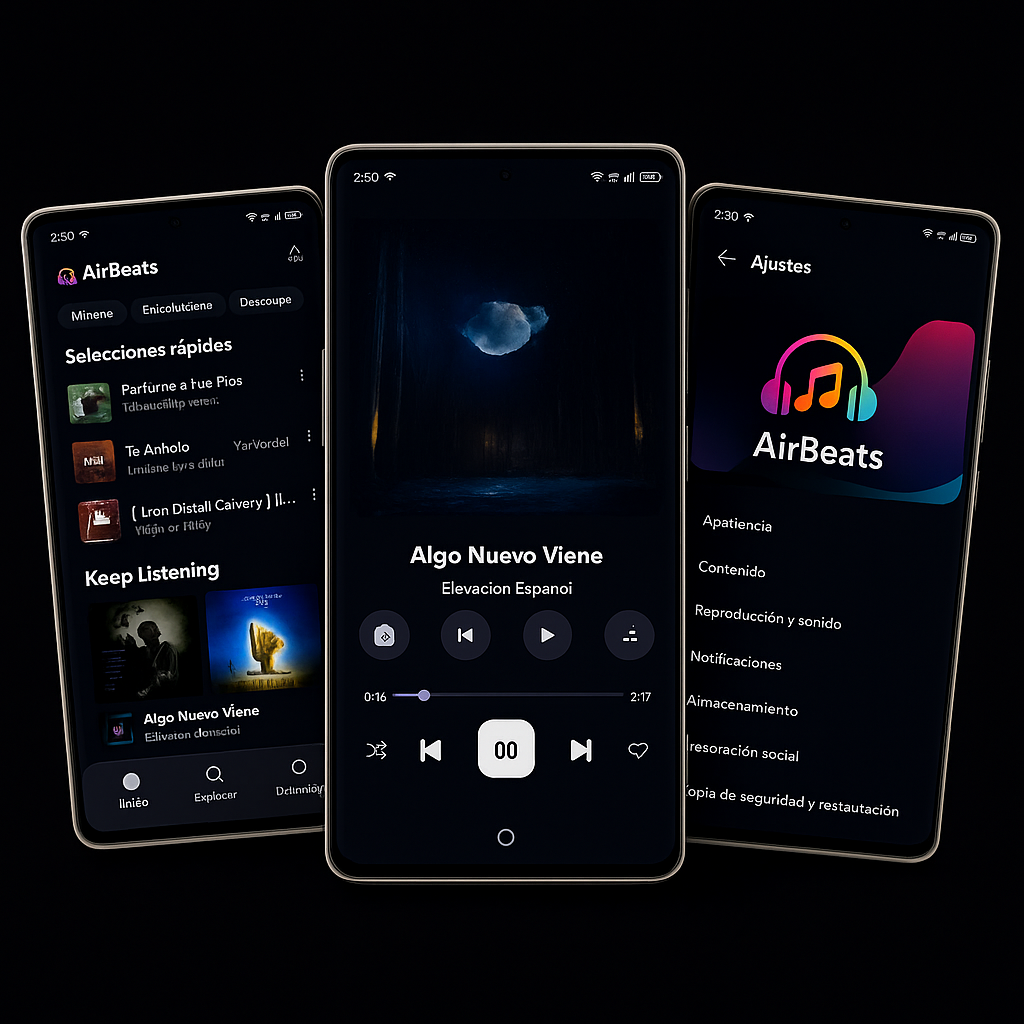
Beautiful dark interface with OLED optimization for nighttime listening.
Optimized audio processing that extends battery life by up to 30%.
Support for lossless formats up to 24-bit/192kHz for studio-quality sound.
Click the "Download APK" button above to download the AirBeats app file to your Android device.
Go to Settings → Security → Unknown Sources and enable installation from unknown sources (this is safe for AirBeats).
Open the downloaded APK file from your notifications or file manager and tap "Install".
Open AirBeats from your app drawer and start enjoying premium music experience!

